


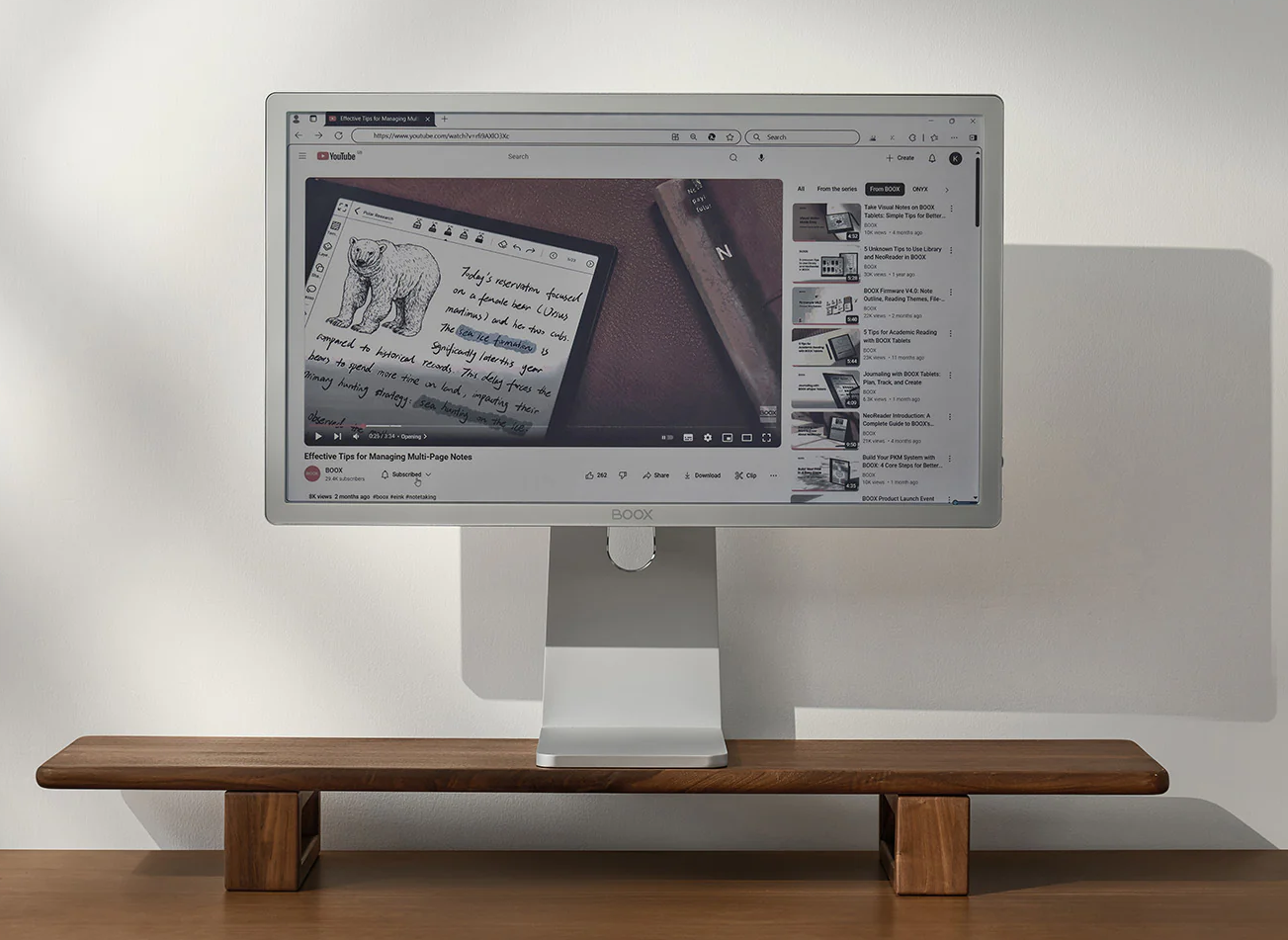
People are paying $1,800-$2,000 for 25.3" E-Ink monitors from Dasung and BOOX to escape digital eye strain. Regular monitors cost $100. They're not buying a novelty—66% of knowledge workers who spend 7+ hours on screens report productivity-affecting symptoms, and these monitors are explicitly marketed as "eye-friendly productivity displays."
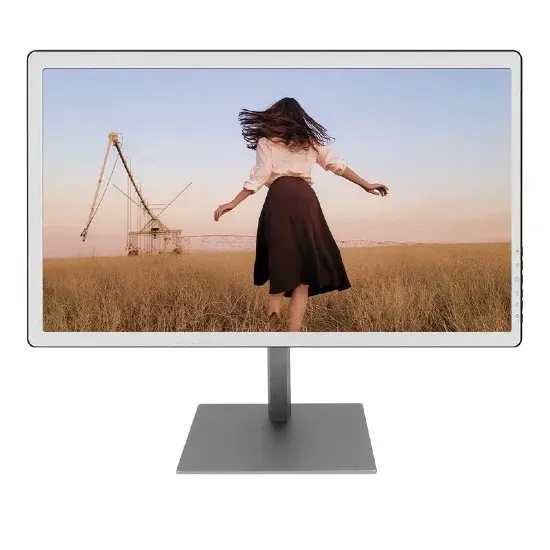
Then they plug the thing in. macOS and Windows immediately wreck the experience. Gradients smear everywhere. Hover animations trigger ghosting trails. Transparency effects layer UI chrome. The cursor blinks and leaves artifacts. Every micro-animation Apple and Microsoft added to make LCD feel "smooth" makes E-Ink look broken.
Users end up manually toggling contrast modes, hitting physical refresh buttons, and adjusting per-app settings through vendor software that basically says "pick your poison: clarity or speed."
The gap between $1,800 hardware and $0 software is the heist.
Paper Mode is display-aware software that makes E-Ink monitors work like serious workstations instead of expensive experiments. Per-app profiles, ghosting control, and display-specific rendering that turns off all the LCD garbage automatically.
This is a high-ARPU, low-volume play. E-Ink monitors are limited-production luxury items. If you can get to 500-2,000 paid users in year one at $79-$99, you're looking at $40K-$200K revenue. Add B2B pilots and you may hit $250K-$500K, but only with excellent execution. This is a small-but-valid, beloved-by-customer play, much like iA Writer.
Why Now: Hardware Improving, Software Still a Hack Job
E-Ink vendors ship monitors with crude mode-switching software because they know OS integration doesn't exist. Dasung's marketing materials focus on "multiple refresh modes" and a physical button users press to force full-screen redraws. BOOX's site talks about "adjusting readability and refresh rate for content"—translation: you're doing this manually, per app, constantly.
Dasung launched 33 Hz refresh rate panels in late 2024. That's fast for E-Ink—previous generations topped out around 5-10 Hz. Still nowhere near the 60-144 Hz of LCD, but good enough that video becomes watchable instead of painful.
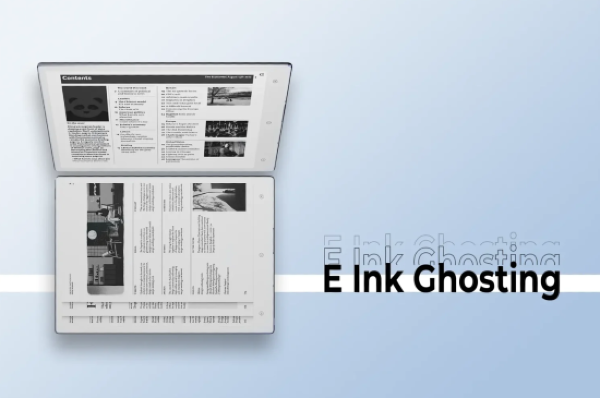
Hardware is getting better. Adoption is moving from "blogger curiosity" to "writers and coders who use these 8 hours a day." The moment E-Ink becomes a daily driver, software becomes the bottleneck.
E-Ink doesn't need to be fast. It needs to be predictable.
Most knowledge work is static: reading, writing, coding, reviewing. Modern UI breaks E-Ink—transparency, shadows, micro-animations, infinite scroll, dithering, motion flourishes everywhere.
OS vendors won't ship "1998 wireframe mode" as a first-class citizen. Their incentives run the other way. This becomes the subtraction company.
The Market Signal: People Already Pay the Pain Premium
A 2024 meta-analysis covering 103 studies with 66,577 participants found that 66% of knowledge workers report computer vision syndrome symptoms. Headaches, blurred vision, dry eyes, neck pain—actual productivity-affecting symptoms, not vague discomfort.
The average American office worker spends 7+ hours per day on screens. Studies show people using digital devices for 6+ hours daily have roughly doubled odds of symptoms. For 74% of employees with persistent screen issues, it affects work output or attendance.
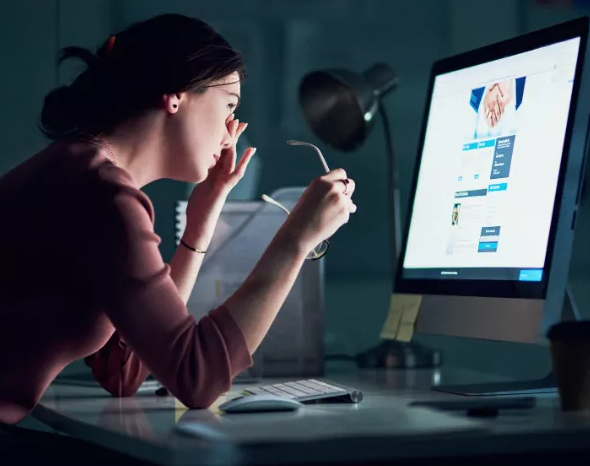
Ergonomics researchers now call digital eye strain "the #1 occupational hazard for knowledge workers of the 21st century."
The eye care market hit $80 billion in 2025 and projects to $149 billion by 2035. Eye health supplements—literal vitamins marketed for screen time—are a growing category.
People are buying $2,000 monitors to escape LCD. That's not early adopter curiosity. That's willingness to pay for relief.
The monitors ship with zero optimized software. Users hack together solutions using macOS accessibility settings. They turn on grayscale mode. They crank up contrast. They manually adjust settings per app.
The vendors know this. Dasung's marketing focuses on "refresh modes" and "tuning per app." BOOX's site mentions "multiple display modes to adjust readability and refresh rate for content on screen."
Translation: The OS doesn't do this automatically. You're on your own.
The Opportunity: Make E-Ink Feel Like It Was Meant to Be a Computer
Paper Mode makes macOS/Windows treat E-Ink monitors as first-class displays instead of weird LCDs. We will build the obvious things vendors should ship but don't because they make hardware, not software.
The real play: own the software layer that makes calm, text-first computing work on any display. Start with E-Ink because that's where the pain and willingness-to-pay already exist.
Your First Product Should Feel Like a Magic Trick
The viral demo isn't "look, grayscale."
It's: "My Mac looks like a newspaper terminal now—and my eyes stop screaming."
First, our fast heist: v1 needs three very specific things generic accessibility toggles won't give:
Unlock the Vault.
Join founders who spot opportunities ahead of the crowd. Actionable insights. Zero fluff.
“Intelligent, bold, minus the pretense.”
“Like discovering the cheat codes of the startup world.”
“SH is off-Broadway for founders — weird, sharp, and ahead of the curve.”


